

The Next Generation of
Digital Entertainment
Experience TuneonTV 2.0 on Our New Official Domain: TuneonTV.net
We've moved to a more stable, secure, and lightning-fast platform. Enjoy enhanced 4K streaming performance and military-grade security.
🚀 Go to New Site (.NET)Simple Pricing,
Ultimate Features
Tip: choose screens for household or business; upgrade anytime.
1 Month
- Over 20,000 Channels
- 4K / FHD / HD Quality
- Weekly VOD Updates
- Anti-Freeze Technology
- TV Guide (EPG) Included
- Standard Support
- 1 Connection
3 Months
- Over 20,000 Channels
- 4K / FHD / HD Quality
- Weekly VOD Updates
- Catch-up TV (7 Days)
- Anti-Freeze Technology
- Priority Support
- 1 Connection
6 Months
- Over 20,000 Channels
- 4K / FHD / HD Quality
- Daily VOD Updates
- Catch-up TV (7 Days)
- Anti-Freeze Premium
- Priority 24/7 Support
- 1 Connection
12 Months
- Over 20,000 Channels
- 4K / FHD / HD Quality
- VIP VOD Library Access
- Catch-up TV (14 Days)
- Anti-Freeze Premium
- VIP WhatsApp Support
- 1 Connection
Need 4 or more connections?
Get a personalized quote with deep volume discounts for families and resellers.
Set up in Minutes
No technical skills required. Our service works on virtually any device with an internet connection.
1. Choose a Plan
Select the subscription that fits your needs and screen count.
2. Get an App
Download IPTV Smarters, TiviMate, or any preferred player on your device.
3. Enter Credentials
Input the Xtream Codes API details sent directly to your email or WhatsApp.
4. Start Watching
Grab some popcorn and enjoy thousands of channels instantly.
Device setup guide
Pick your device for quick tips, or ask us directly.
Android & Fire TV
- Install an IPTV player from your store (TiviMate, Smarters Pro, etc.).
- Select "Login with Xtream Codes API".
- Paste your Username, Password, and Server URL exactly as provided.
Need 1-on-1 Help?
Don't want to deal with technical setups? Open the Live Chat. Our agents will guide you step-by-step or even configure it remotely for you.
Frequently Asked Questions
Everything you need to know about TuneonTV.
Which devices are supported?
Do I need a VPN to use TuneonTV?
Can I use one subscription on multiple devices?
What if I have technical issues or need help?
This is where we excel! We offer dedicated 1-on-1 Live Chat support right here on the website. You don't need to submit a ticket and wait days. Just click the chat bubble in the bottom corner and an expert will assist you in real-time.
Optimized for
Total Fluidity.
Request Trial or Renewal
Fill out the form below for activations.
Or click here for instant Live Chat.
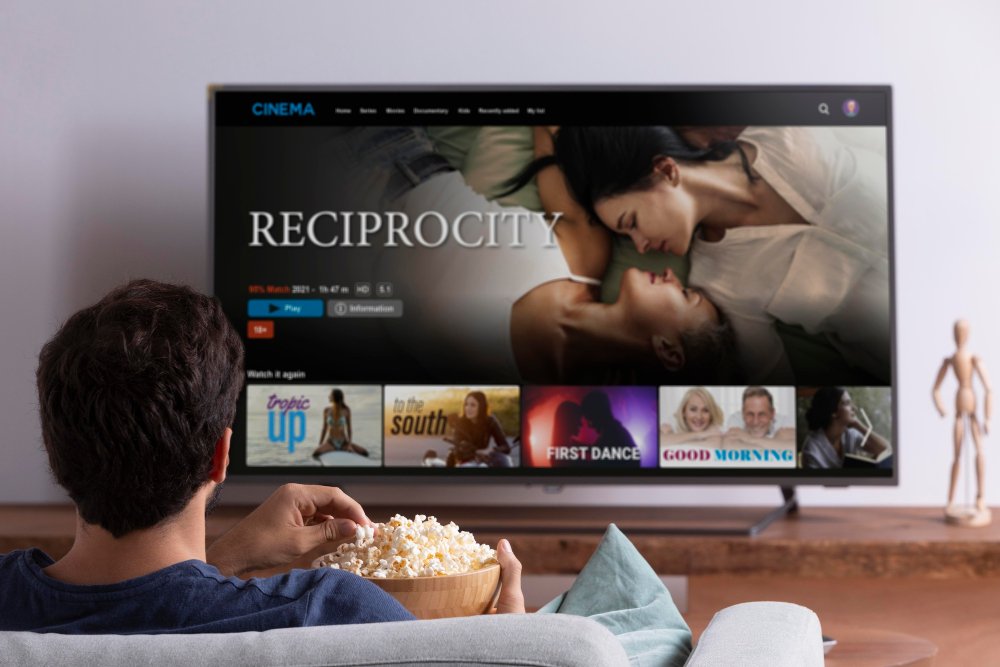
A Cinema in your Living Room
Access thousands of movies and series in 4K resolution. Our library is updated daily to bring you the latest global hits.
Premium Content
Optimized for high-speed streaming.


Never miss a Goal again
Whether it's the Champions League, NBA, or Formula 1, experience every moment in crystal clear 4K resolution.
- Zero-Delay Streaming
- All International Leagues
© 2026 TUNEONTV 2.0 — NEW DOMAIN MIGRATION UNDERWAY